|
Follow
|
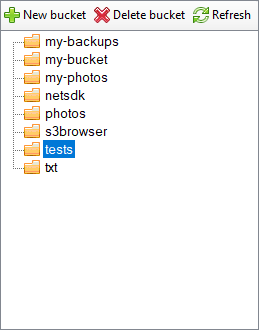
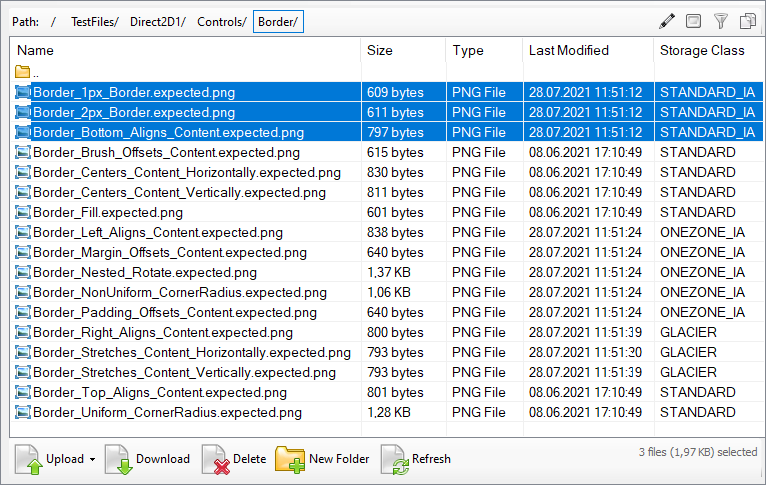
Working with Amazon S3 BucketsTo browse Amazon S3 bucket with S3 Browser
|
S3 Browser 13.3.5 Freeware

Social Connection
Our customers say
"S3 Browser is an invaluable tool to me as a web developer to easily manage my automated site backups" -Bob Kraft, Web Developer "Just want to show my appreciation for a wonderful product. I use S3 Browser a lot, it is a great tool." -Gideon Kuijten, Pro User "Thank You Thank You Thank You for this tool. A must have for anyone using S3!" -Brian Cummiskey, USA
Related Products
TntDrive
Easily mount Amazon S3 Bucket as a Windows Drive.
RdpGuard
protects your Windows Server from RDP Brute-force Attacks. |